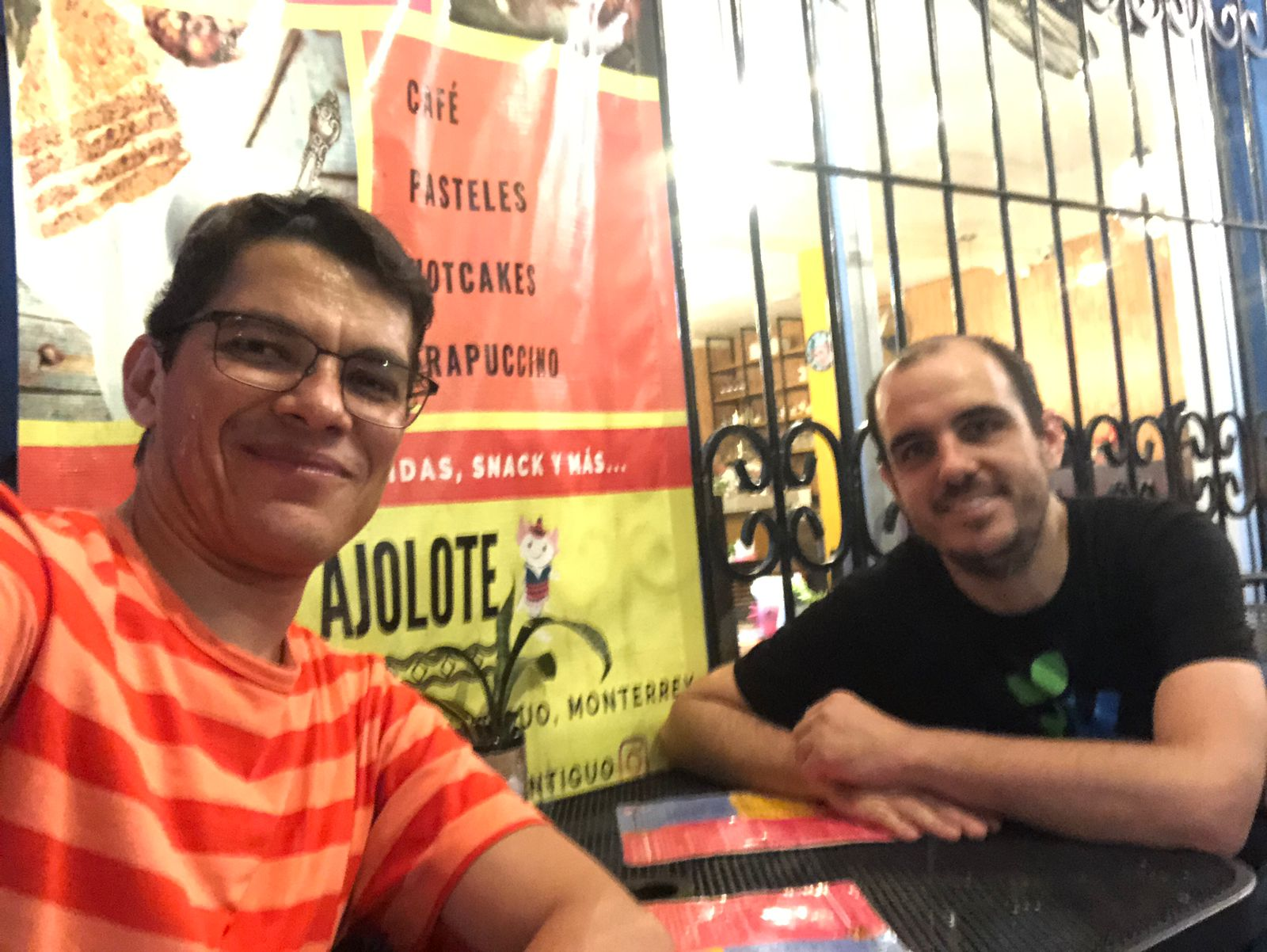
It’s no news that cool kids don’t blog anymore. So passé! That’s why Harald and I, we have started doing some mild streams where we discuss topics around our little FOSS perspective like KDE, Plasma, KDE Linux and the likes.
I’ve been announcing the next episodes in my Mastodon account as well as in the involved Matrix channels. There I try to announce the next episodes and when they’ll happen. It’s generally been on Sunday evenings.
We are total noobs about using Twitch and all that, don’t hesitate to suggest us how to do better.
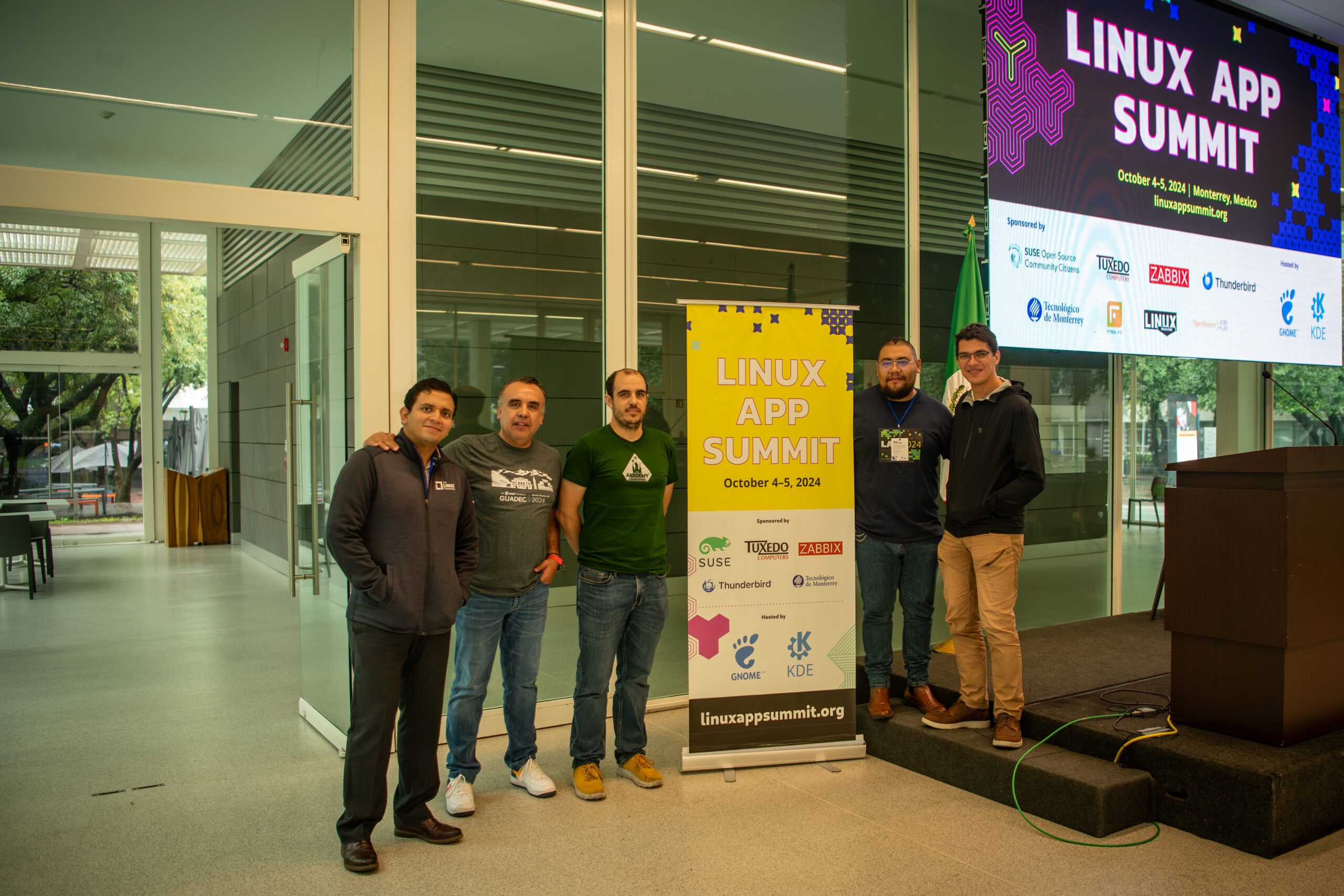
As we have been doing yearly, a few weeks ago we had the 2024 edition of Linux App Summit (LAS). For those of you who don’t know, the Linux App Summit is a conference co-organised between KDE and GNOME among others where to bring together the different stakeholders of the linux ecosystem to make sure we have all the collaboration tools in place to have a great state of the art platform for the uses the world needs from us.
This year it was special in that since it became the Linux App Summit, we held it outside of Europe! We had LAS in Monterrey, the northernmost part of México in the ITESM (Instituto Tecnológico y de Estudios Superiores de Monterrey), a really nice campus and a beautiful venue.
Besides meeting people from other projects as I’d normally do in LAS, this year I had the added opportunity to meet the community the other side of the ocean. There certainly are good differences between how we organise FOSS communities Europe and there, it’s always useful to experience and iterate to ensure we are truly creating a community for everyone.
LAS ’25, Call for hosts
Are you considering bringing such communities to your home town? Please reach out, you can find some information how to do that here: https://linuxappsummit.org/bids/.
In my opinion, organising a conference is one of the best ways to bring FOSS talent to where you are. It’s often hard to find new ways to be part of what we do, this is a great one. I personally had the opportunity to do it in LAS’19 in Barcelona and it was a great experience.
LAS has the added value of being a melting pot of people from different communities so it’s a great opportunity to meet people that you might not crossed paths with before!
Over the last few years and especially since the Wayland goal vote, the Plasma team, we have been focusing on having our Plasma Wayland experience work at least as good as our traditional Plasma X11 experience does. Today I’d like to wrap up my experience on this front for 2020.
Despite having been working on KDE and even Plasma projects for a long while, I’d never gotten much deep into working on KWin internally. I dipped my toes in it in 2019 when working on the key states feature (that plasmoid that says if caps lock is pressed or not, which we needed because the KDE Slimbook didn’t have an LED for the Caps Lock). Here I’ll discuss a bit how it evolved over time.
Features
Tablet support
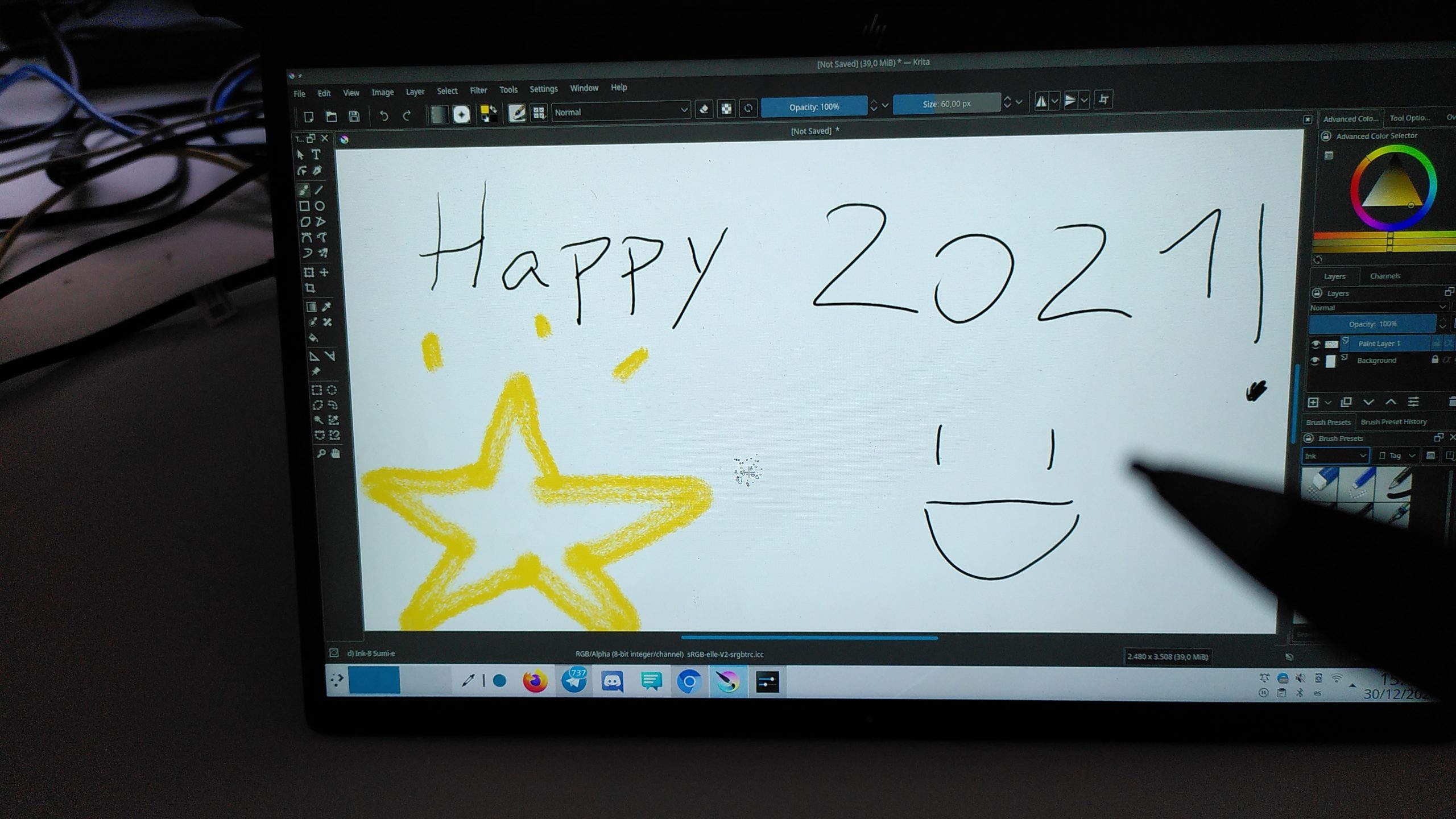
It’s probably been my first big feature contribution to KWin. From 5.19 you’ve been able to use your tablets to draw things, all features should work fine and life should work. In the beginning, I was mostly interested in getting the 2-in-1 tablet with a pen work, hence implementing this one first.
The rest of the spec implementation is pending review here and hopefully should make it into 5.21: https://invent.kde.org/plasma/kwin/-/merge_requests/559
Screen casting support
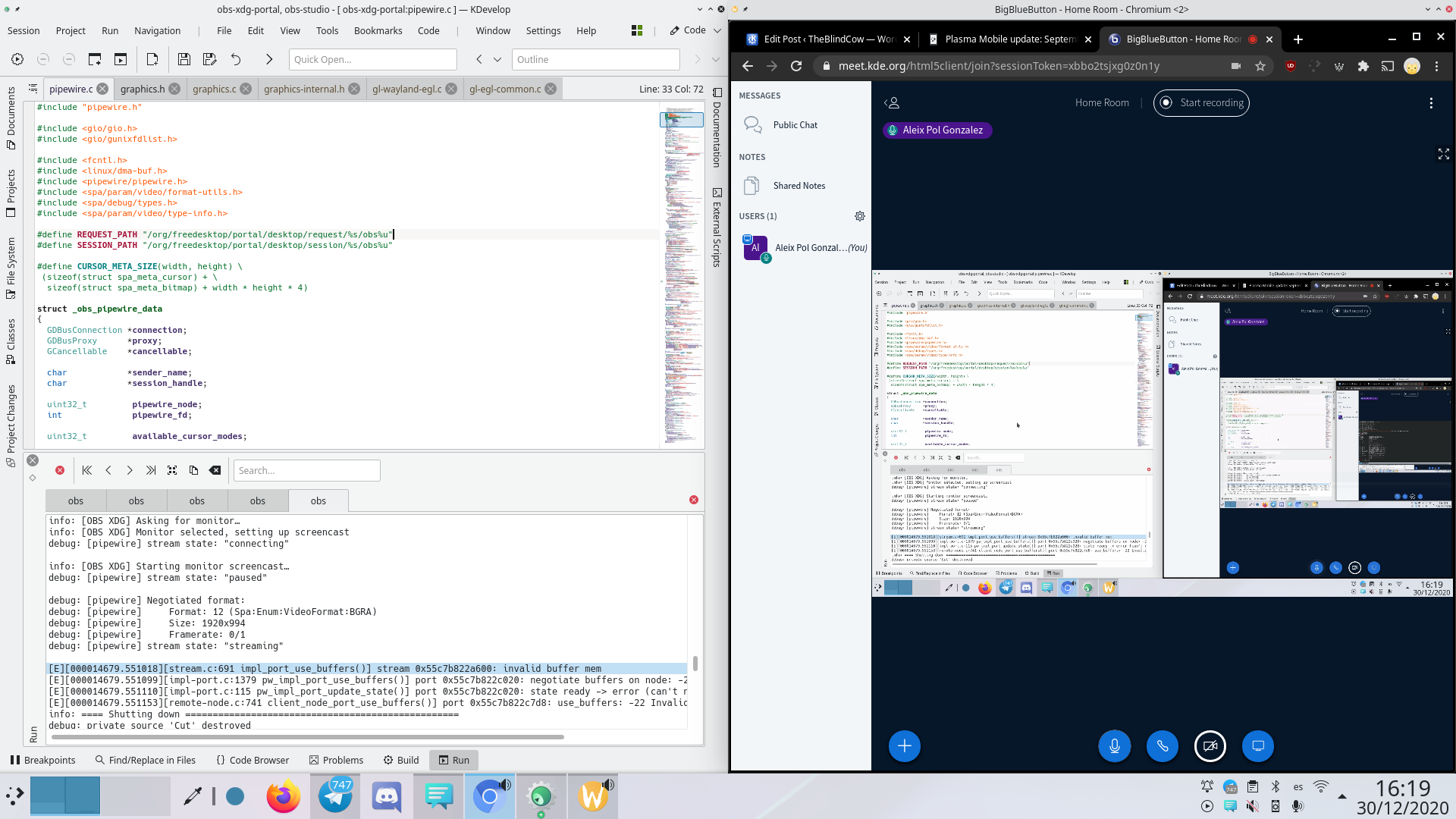
This is something I’ve worked on mostly with my Blue Systems hat on, but still is something very important for our daily usage of Wayland, especially nowadays where working remotely is more important than ever and sharing our screens and windows is something that we need to do on a daily basis.
KWin used to support already sharing screens, or rather xdg-desktop-portal-kde could, now we centralised the implementation in KWin and made sure it’s as performant as possible. It was admittedly rather complex to put together, but allowed me to understand how the system works and helped me have a better insight of the architecture.
Input Methods
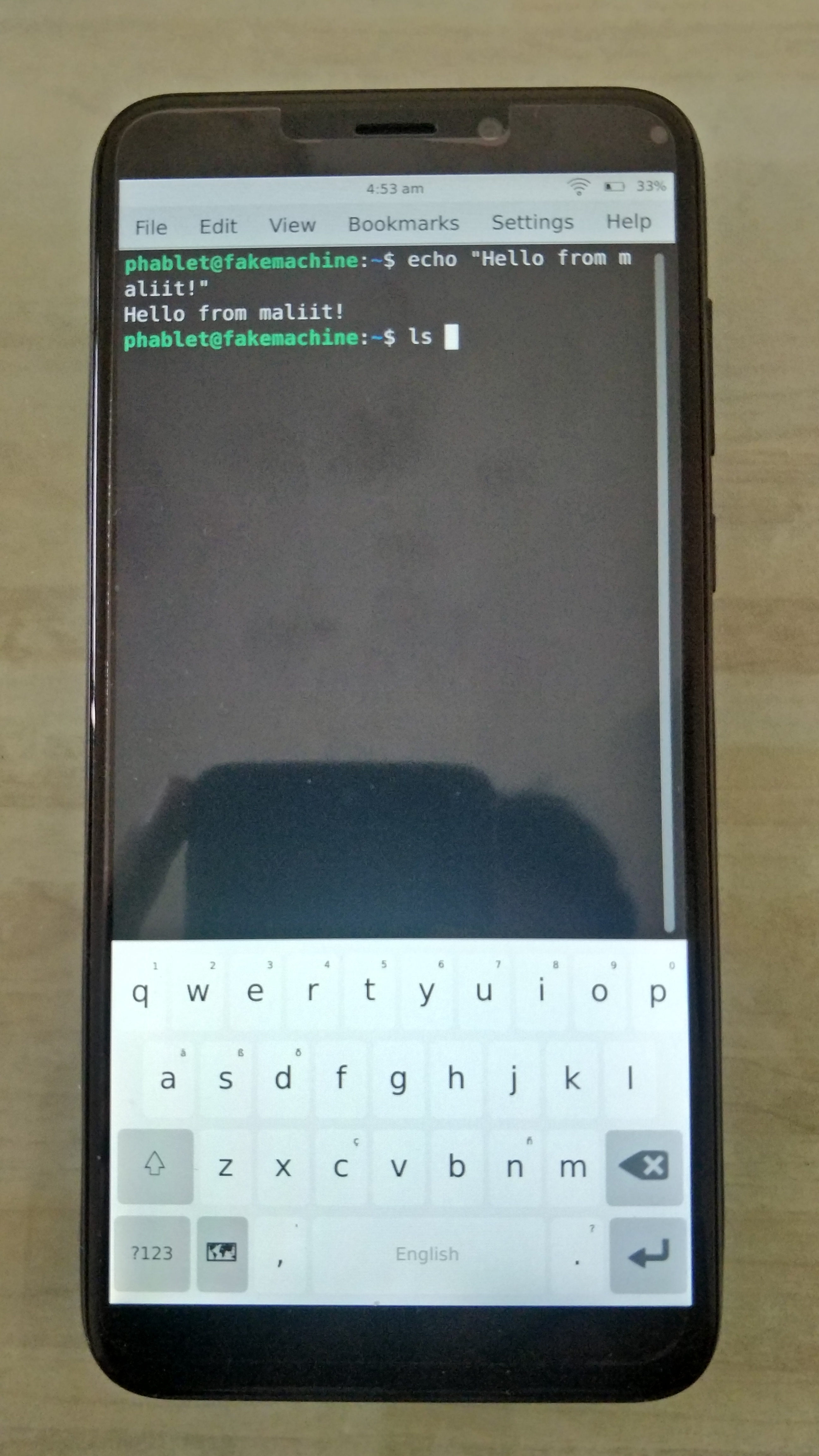
Plasma Mobile is becoming a palpable reality and input is very important on any touch device. In Plasma Mobile we’d been relying on having Qt’s embedded virtual keyboard since the beginning and while it worked reasonably well, we needed to make it possible for us to offer more and better solutions. This time, we implemented the unstable input-method protocol which allowed us to use keyboards implemented in a separate process, hence making it possible to integrate the Maliit keyboard transparent, as well as the weston keyboard if minimalism is your thing.
This, of course, opens the possibility of much more development on top in terms of other better virtual keyboards, improving the current ones or the integration of more esoteric kinds of input methods (e.g. ibus, fcitx, emoji keyboard or even spell checkers and the likes).
Developing comfortably
Something that was clear to me as soon as the Wayland Goal was shaping up was that we had to find ways to free ourselves a bit from the ABI limitations. From the beginning, Wayland interfaces started to be developed in KWayland under KDE Frameworks 5. This meant that server-side implementations had to stay backwards compatible to certain versions of KF5 and that we couldn’t do certain things. We moved KWayland Server components into a separate component here, that is released with Plasma and we can develop as we see fit: https://invent.kde.org/plasma/kwayland-server/. Note that KWayland Client classes stay there where they always were.
This has allowed us in turn to adopt the usage of qtwaylandscanner, which is a tool that generates certain boilerplate C++ code for us from the xml spec, allowing us to focus on the parts we care about in the implementation. This makes Wayland protocol implementation a bit more straightforward while removing some code. You can see the MRs Adrien and Vlad made doing this if you’re curious about the changes it conveys. Our first protocol implementation to use qtwaylandscanner was the keystate protocol I mentioned earlier.
Talks
As it’s important to explain what we do so people are aware of it, I decided to take some time this year to explain the different aspects of our Wayland initiative and overall why Wayland makes sense. You can see it explained here, I wouldn’t recommend you to look at them all, but it could be useful for you to look at the one that fits your perspective better.
KWin and Wayland
Wayland for Product creators
Wayland for App Developers
Plasma Wayland: donde estamos y como ayudar (in Spanish)
Future
I know there’s a lot of really exciting stuff coming up from the team. If you’re interested, stay tuned. We will be having a sprint early January to discuss different topics from major roadblocks to a light and comfortable experience.
Consider joining us either at the sprint or at the Wayland goal forums and work with us towards a better experience using Free Software and Plasma.
One thing that is special about KDE software is how it can mean different things depending on your perspective. This is very powerful from a technical perspective, but can make our work harder when we want to convey what our piece of software does and how it will affect its users’ life. How do we optimize our product development towards user acquisition and support?
At Akademy, I discussed shedding some light on the blurry lines that sometimes define our products, and did so based around the Marketing-Mix I was taught at university (so no, I’m not an expert!). I presented it first at a talk, then we had a subsequent BoF session to discuss it and see how it mapped to some projects (we did Plasma and Okular, as a test) to get acquainted with the concept.
What will evolving this process look like? For starters, having some people more knowledgeable on the topic involved. Some already told me they are interested in helping. Big thanks 😊. And then, let’s get our hands dirty.
Maybe more hands-on for each product? I can see ourselves sitting down and discussing how the status quo contrasts with the picture the Marketing Mix would suggest for our products. I have done it for some, and I have the feeling that there is a lot of unexplored potential.
Is your work available on the places you would like it available? Is the product you have in mind the same you’re promoting?
Now are you interested in helping with this process? Would you like to see how we can polish the product you are maintaining? Is there a product in KDE that you think could use this kind of help? Comment down below or send me an e-mail at aleixpol@kde.org and I’ll see to finding some time to sit down and working on it.
In a product like Plasma, knowing the kind of things our existing users care about and use sheds light on what needs polishing or improving. At the moment, the input we have is either the one from the loudest most involved people or outright bug reports, which lead to a confirmation bias.
What do our users like about Plasma? On which hardware do people use Plasma? Are we testing Plasma on the same kind of hardware Plasma is being used for?
Some time ago, Volker Krause started up the KUserFeedback framework with two main features. First, allowing to send information about application’s usage depending on certain users’ preferences and include mechanisms to ask users for feedback explicitly. This has been deployed into several products already, like GammaRay and Qt Creator, but we never adopted it in KDE software.
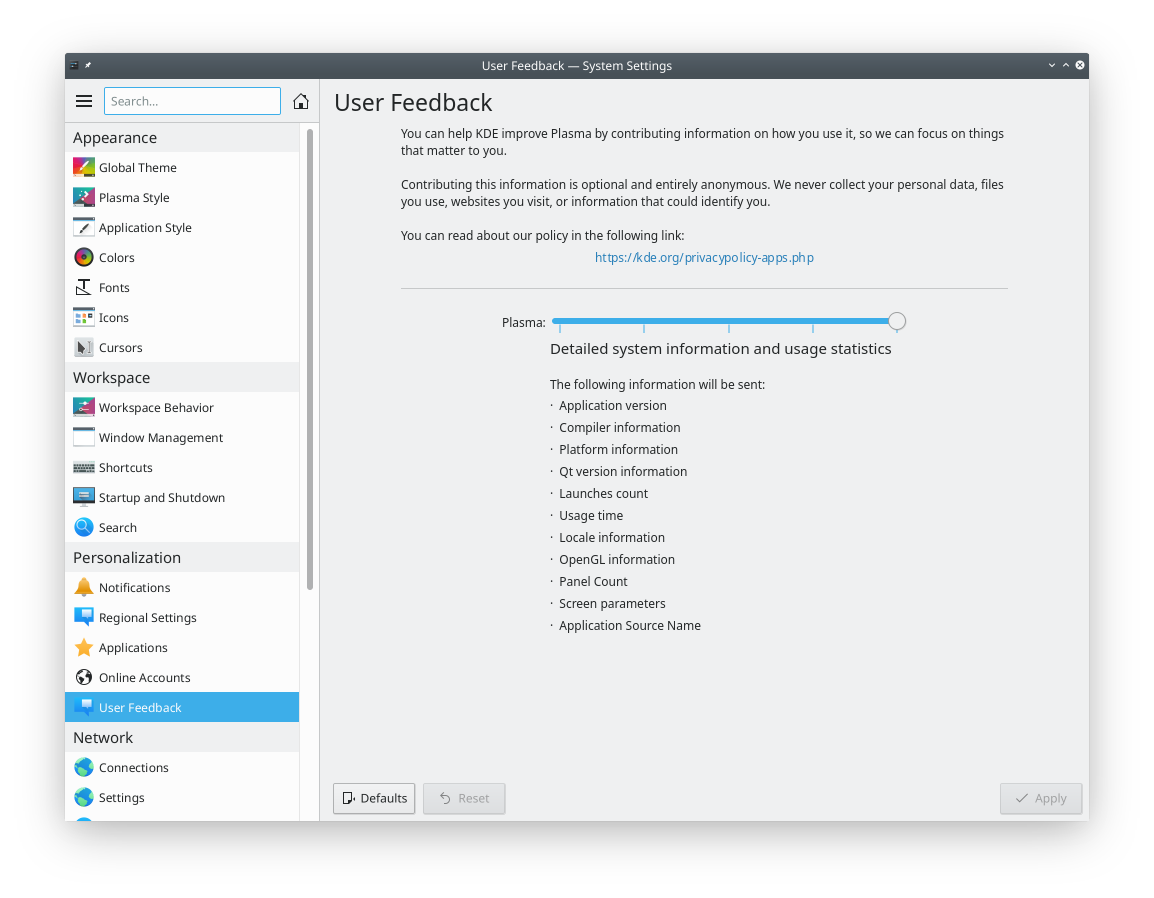
The first step has been to allow our users to tune how much information Plasma products should be telling KDE about the systems they run on.
This mechanism is only integrated into Plasma and Discover right now, but I’d like to extend this to others like System Settings and KWin in the future too.
Privacy
We very well understand how this is related to privacy. As you can see, we have been careful about only requesting information that is important for improving the software, and we are doing so while making sure this information is as unidentifiable and anonymous as possible.
In the end, I’d say we all want to see Free Software which is respectful of its users and that responds to people rather than the few of us working from a dark (or bright!) office.
This will be coming in really soon in the next Plasma release early next February 2020. This is all opt-in, you will have to enable it. And please do so, let it be another way how you get to contribute to Free Software. 🙂
If you can’t find the module, please tell your distribution. The feature is very new and if the KUserFeedback framework isn’t present it won’t be built.
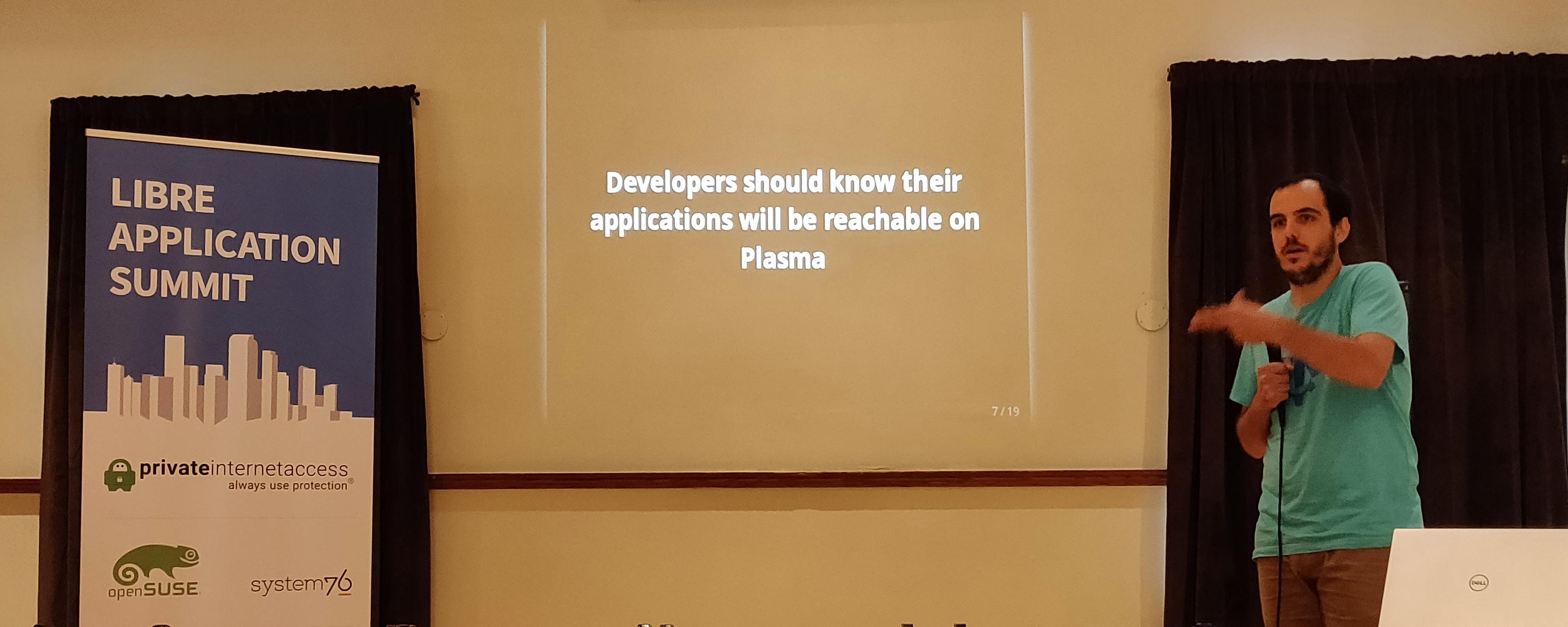
One of the activities that we have been promoting is joining conferences on topics that we’re interested in. Last September I joined two of them: the Libre Application Summit and EduCode.
Reaching out within the community
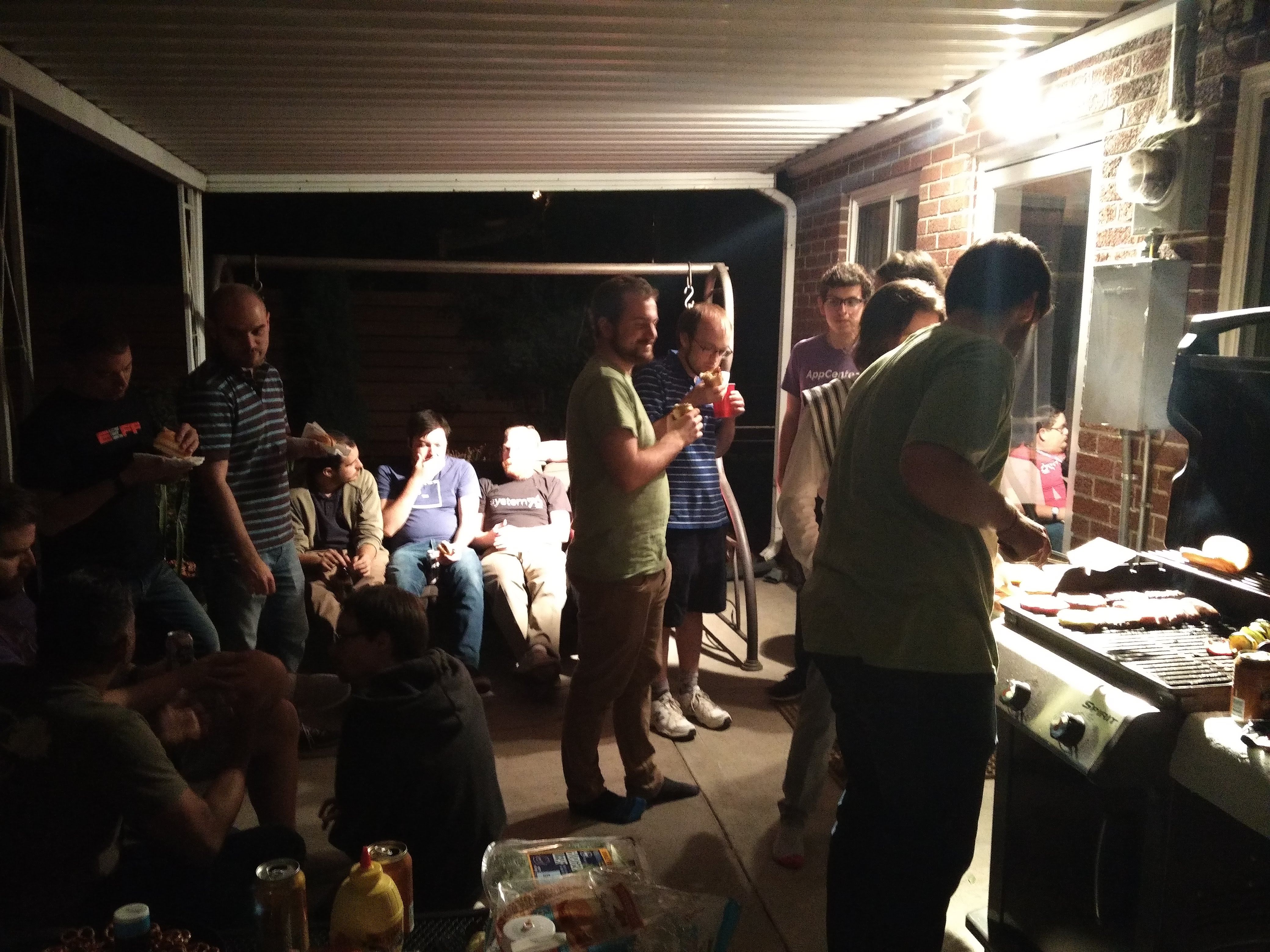
In the Linux community we’re portrayed as tribalistic quite often, there’s good reasons of that. Having been part of KDE day to day for years, I also must say that it’s clearly been blown out of proportion. There’s collaboration all over the place and we should celebrate when it happens. Sitting together and sharing visions is useful, which we did in the last Libre Application Summit in Denver.
Among others, we learned about Flatpak’s internals, elementary’s software distribution approach, fancy new ways of distributing linux operating systems and how some free software we have available on linux can be used by graphics designers and how they reach them. Of course, there were the KDE bits that Albert and I brought.
I would say that the ultimate goal for all this wasn’t exclusively to learn about it but to actually sit together and talk. Which we did and I’m looking forward to do so again next year, hopefully with the rest of communities working on desktop, applications and distribution.
Reaching out to users
It’s a completely different story, for sure, but it needs doing too. In this occasion we joined a conference full of Belgian and French teachers who are interested both in Free Software and having the best educational tools available for their students.
This is especially important for two main reasons: we get to explain to some of our most prominent stakeholders what our software does and why it’s great but also we get to see how they react and what they miss. Caring and listening to users is crucial to the health of any project.
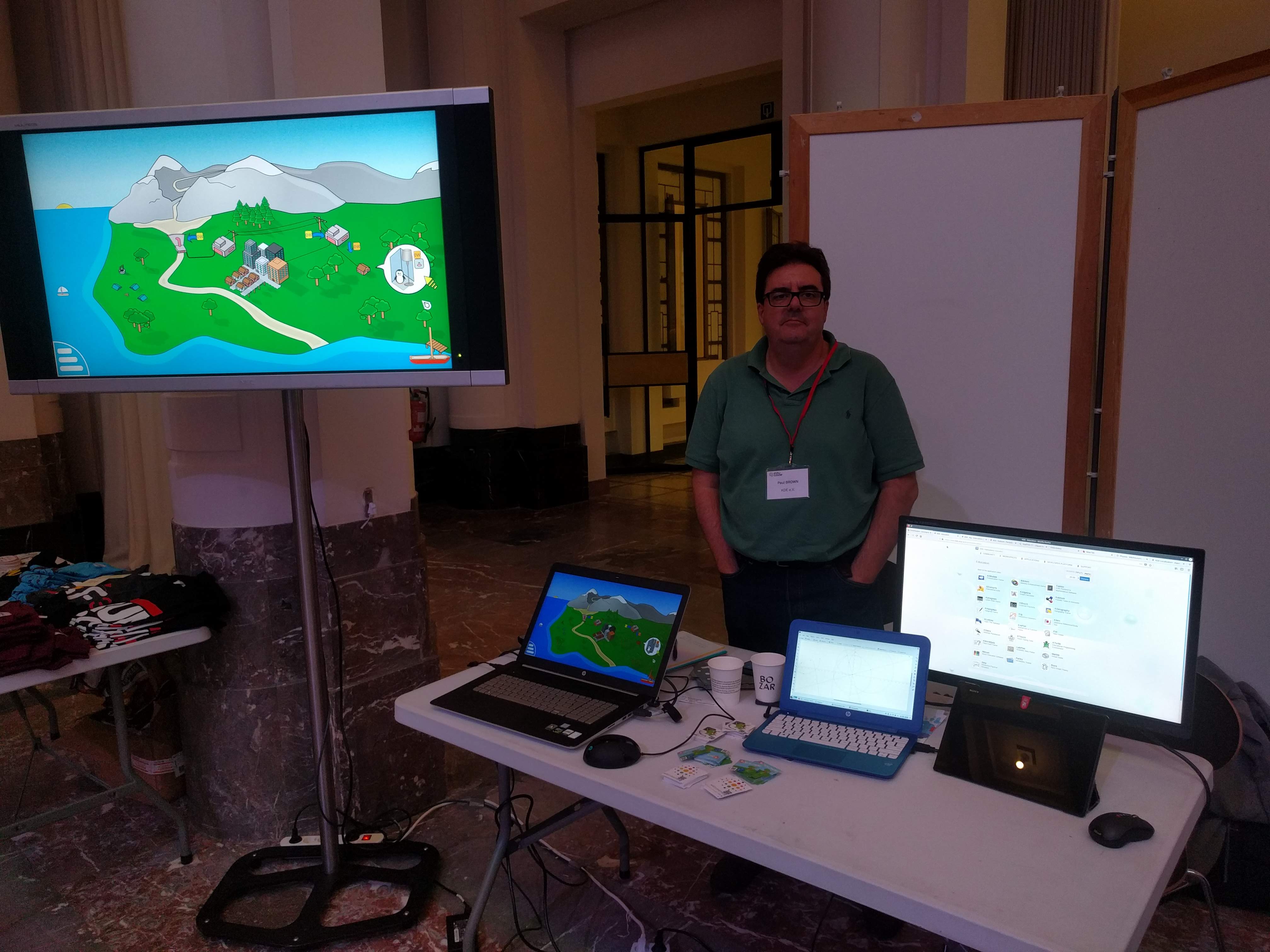
I was tempted to upload another picture of the crew up there (Adriaan, Paul and myself) but it’s rather unflattering to say the least, so we’ll stick with Paul looking all smart. 🙂
Of course, these were only the conferences I attended the last few months, but there’s been several other conferences where KDE has joined, join the planet KDE to know more!
When developing your projects you will often need to install them somewhere safe. On my system I have a prefix full build of all Qt, KDE software, but this doesn’t work when we just want to work on an application or want to test a build in someone else’s system.
Installing to /usr doesn’t feel right, /usr/local isn’t that much helpful either, so what I usually do is to create a sub-directory in /opt (e.g. /opt/discover, /opt/kalgebra), then it was a matter of having the session point at the right place. This is why I submitted a small change in ECM that generates a prefix.sh that sets the right environment variables.
This was merged a while ago, so it should be part of any distribution by now.
This is what the workflow ends up being. First we fetch and build the software we want, as usual:
$ git clone kde:kate
$ mkdir build-kate
$ cd build-kate
$ cmake -DCMAKE_INSTALL_PREFIX=/opt/kate ../kate
$ make
$ make install
Then to run it, we just need to do the following:
$ source prefix.sh
$ kate
And we’ll get our own kate, with the modifications we made.
One of the interesting things about QML is that it leverages OOP property semantics of QObject to drive its declarative workflow.
How?
We attach into any QObject the developer requests and monitor it (and optionally all it’s children).
To gather the information we need, we will collect information for every property and connect to the property’s notification signal to see when it changes.
Property changing bursts (i.e. same property changing values repeatedly in a short amount of time)
How a change in a value can have an effect on other properties
At the moment we have two ways of inspecting an application:
On one hand we have warnings that allow us know specific things and even add breakpoints to the sore points. The warnings at the moment look like this: repeated value ScrollView_QMLTYPE_43(0x5648c6d97b50) width QVariant(double, 320) 8 times repeated value Kirigami::BasicTheme(0x5648c6986ac0) backgroundColor QVariant(QColor, QColor(ARGB 1, 0.988235, 0.988235, 0.988235)) 11 times
Additionally, we have a timeline view output from tracking. You can see an example of plasmashell run here.
Future
An idea would be to integrate automatically ModelTest, so if a QAbstractItemModel is found, a ModelTest instance is attached that makes sure the model is true to its promises.
Another thing that bothers me is that we are forced to compile it into the application. If we could make it possible to have processes attached or start the application somewhat automatically (like GammaRay does, wink-wink) we would ease the adoption of these tools.
What do you think? Do you think it’s useful?
Feedback very welcome.
Last Akademy we had the opportunity to meet the Slimbook team and discuss its purpose and future. I’m quite happy about the discussions, here’s my feedback.
Why?
Before talking about future stuff, let’s set the context.
Personally, this has been a long-standing pet-peeve of mine. We create software solutions for virtual hardware specifications. We require our users to go the extra mile by replacing the manufacturer’s operating system, often with some annoyances because their hardware isn’t properly supported. This is not necessarily our fault, but most of us agree that we should improve this situation.
On the software side of things, while it’s our area of expertise, we are still far from being able to deliver the product we would like to give. Our ecosystem is still complex and our users have to take several decisions, some of dubious nature.
Hence, I started pushing for this project with some colleagues from KDE.
Where are we?
As discussed in the Akademy presentation, the project worked reasonably well. Devices were delivered and the KDE community does see value in the project.
We have reached a point where we understand the value of the initiative and understand the environment much better. We are happy with the results so far and we see room for improvement; both in the task we do to make a better device as well as in defining the product.
Future
I want to see the project moving forward and I will keep working towards better cohesion between hardware vendors and KDE. In the future, I would like to see the devices that we see available, especially when it comes to different use cases, and therefore form factors.
I don’t think it makes sense that we continue doing it just to do so. There is a good deal of hardware vendors that willoffer devices with good setups. Most of them they will even offer you these laptops with KDE on them upon demand. If we put our effort in such projects, it needs to be because we are making something special.
Let’s not get ahead of ourselves. One step at a time. Let’s continue to provide good solutions by staying simple by default but powerful when needed.
On my last blog post I discussed about how some assumptions such as the platform developed on can affect our development. We need to minimize it by empowering the developers with good tools so that they can develop properly. To that end, I introduced runtimes in our IDE to abstract platforms (much like on Gnome’s Builder or Qt Creator).
There are different platforms that we’ll be developing for and they need to be easily reachable when coding and testing. Both switching and interacting transparently with the different platforms.
To that end I implemented 4 approaches that integrate different runtimes:
Docker, allows you to develop directly against virtually any system. This is especially interesting because it enables to reproduce the environment our users are having: behavior on execution and project information (i.e. the imports are the ones from the target rather the ones on our local system). Docker is a wide-spread technology in the cloud, I hope many developers will see the value in integrating the deployed environment into the IDE while they are coding.
Flatpak, is a solution that targets specifically desktop Linux applications. We are talking about distributing bundled applications to users, there we have the opportunity to integrate the tooling specifically to that end: from fetching dependencies to testing on other devices (see videos below).
Android, as you know it’s something I’ve been pushing for years. Finally we are getting to a space where the IDE can help get some set up troubles out of the way.
Using the right SDK is not enough proof that the application will work as expected on every device, especially those our users will be using. Being able to easily send our application to another device to test and play around with is something I had needed for longtime. Especially important when we need to test different form factors or input devices.
In this video we can see how we can easily test an application locally and when it works just switch to Android and send to the device for proper test on the smaller touch screen.
Here we can see how we can just test an application by executing it remotely on another device. This is done by creating a bundle of the application, sending it to the device where we want to test it and executing it there.
Hassle-free contributions
You can’t deny it. You’ve wanted to fix things in the past, but you couldn’t be bothered with setting up the development environment. Both Flatpak and Docker offer the possibility to maintainers to distribute recipes to set up development platforms that can and should be integrated so that we can dedicate this 1 hour in the week-end to fixing that bug that’s been annoying us rather than reading a couple of wikis and – oh, well, never mind, gotta make dinner.
We can do this either by providing the flatpak-builder json manifest (disclaimer: the video is quite slow).
Or a Dockerfile.
You can try this today by building kdevelop git master branch, feedback is welcome. Or wait for KDevelop 5.2 later this year. 🙂